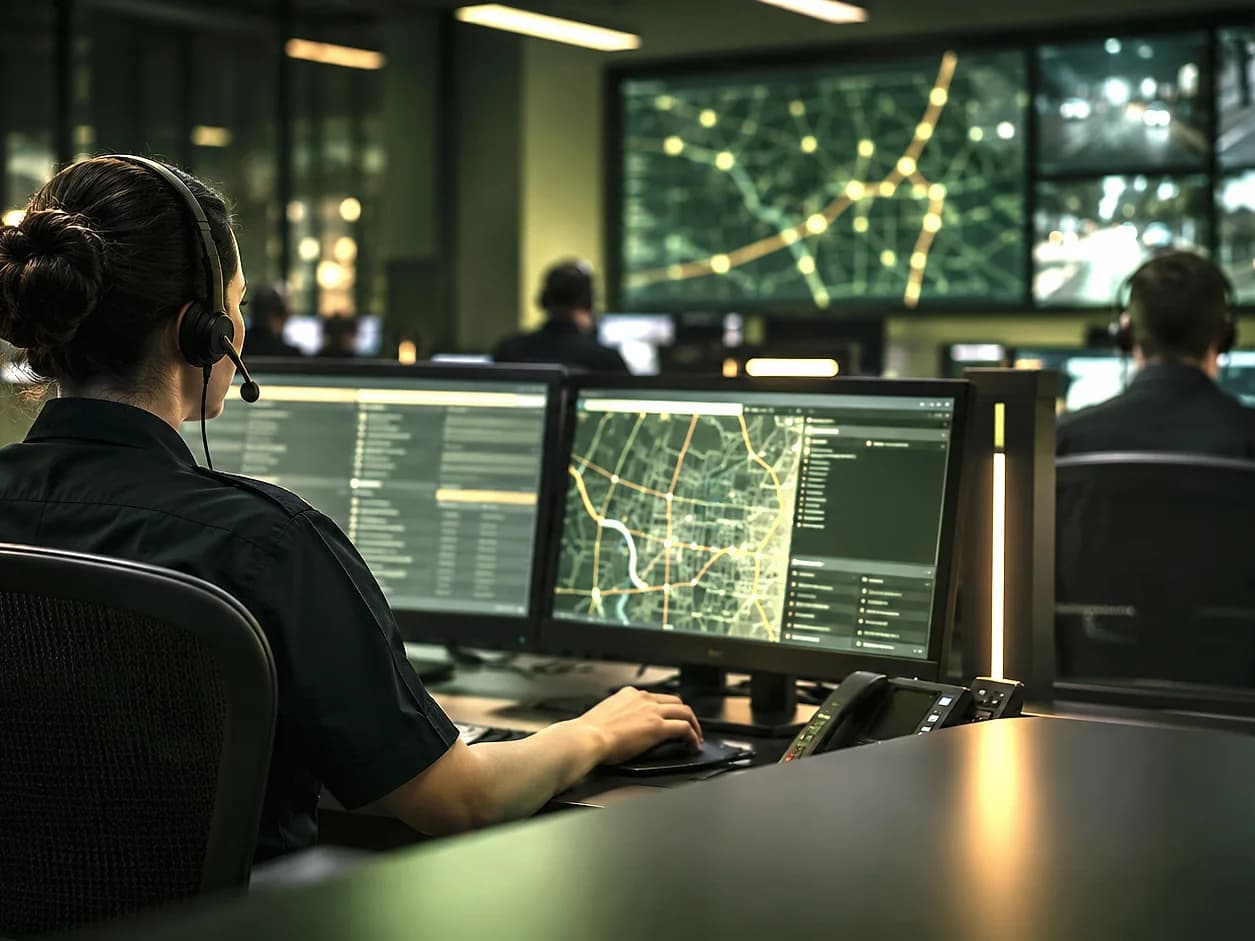
Controlled exchange with CAD
From a reviewed report to a CAD incident. With the context intact.
When a record is ready, authorized staff send it to CAD in one step. Agency-approved code tables map the call type and priority, the narrative and verified location go with it, and the CAD incident reference comes back to SafeAIOne. Your CAD remains the authority for dispatch, units and disposition.
- Live today
- Sequora CAD, built on open-source TicketsCAD, for every channel
- Other CAD systems
- Vendor adapter, field mapping and signed operational validation
- Patterns
- Connected handoff, published incident API, vendor adapter
- Evaluation references
- NENA-STA-021 (EIDO) and NENA-STA-024.1.1-2025
What it does
What CAD Integration does for your team.
Seven readiness checks
Location, title, description, call type, priority, AI read checked and police matter confirmed, before anything is sent.
Staff-approved handoff
Nothing goes to CAD automatically. An authorized person confirms every transfer.
Agency code mapping
SafeAIOne categories and P1–P3 priorities map to your CAD's nature codes and priorities with approved tables.
Reference retained
The CAD incident ID is saved against the right record, separate from SafeAIOne's own IDs.
Transaction tracking
Every transmission, acknowledgment, error and retry has its own correlation key.
Status back from CADIntegration scope
Assigned, en route, on scene and cleared events can return to SafeAIOne where your CAD shares them.
CAD Integration in practice
Every channel. One integrated CAD.
SafeAIOne is integrated with Sequora CAD, built on the open-source TicketsCAD system. Reports from SpotOnn, the web form, CallAssist voicemail and staff entry all hand off to it in one step. Other CAD platforms connect through a vendor adapter, field mapping and agency acceptance testing.
- Live today: Sequora CAD / TicketsCAD, every channel
- Other CAD brands: vendor adapter and signed validation
- Dispatch, units and disposition stay in your CAD
How it works
A controlled handoff, every time.
Reviewed record
Type, priority, narrative and location confirmed by staff.
Readiness checks
Seven content checks plus a connection check.
Staff approval
An authorized user sends the record to CAD.
CAD incident
The CAD reference is saved back on the SafeAIOne record.
Scope and boundaries. SafeAIOne does not replace emergency call-taking, dispatch authority, CAD, radio systems or certified emergency communications infrastructure. It does not establish universal CAD compatibility.
Capabilities
Capabilities behind CAD Integration.
CAD readiness checks
Seven record checks and a connection check before any handoff.
Learn moreCAD status & resource visibility
Assignment, unit status and disposition from your CAD, where it shares them.
Learn moreAudit & action history
Every reviewer change, AI extraction and handoff, recorded with who and when.
Learn morePriority triage queue
P1–P3 priority, time waiting and pending triage, longest waiting first.
Learn moreThe SafeAIOne platform
Works with the rest of the platform.

SpotOnn
A direct line from your community. Non-emergency reports arrive with a GPS pin and photo or video evidence, and residents can track them by reference code.
Explore SpotOnn
CallAssist
Turn a non-emergency voicemail into a structured record, with the recording, transcript and extracted details kept together for review.
Explore CallAssist
SafeAI RMS
The agency workspace. Review incoming reports by priority, examine the evidence and keep a clear history of every decision.
Explore SafeAI RMS
SafeAI Intelligence
The AI layer underneath every product: grounded extraction, location matching, evidence screening and duplicate detection, always reviewable by your staff.
Explore SafeAI Intelligence
Let's talk about your agency
See CAD Integration
with your workflow.
A guided demonstration follows one record from intake to the CAD incident reference, using your categories and your call types.
Here to report an incident?