Clear choice
Opt-in, HELP and STOP handling stay visible in the conversation.
Emergency? Always call 911.
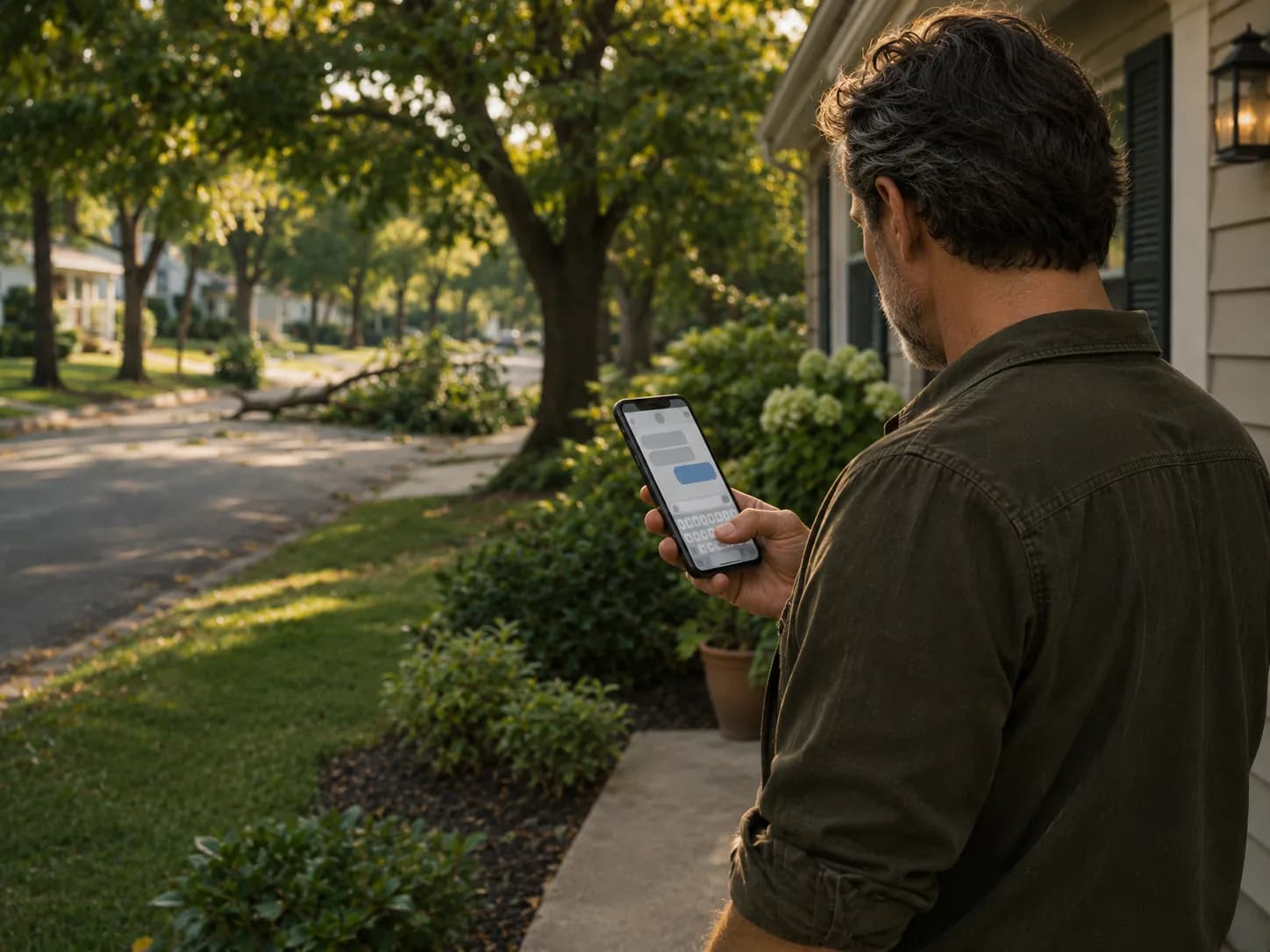
Reporter messaging
TextMe gives your team a direct way to follow up with CallAssist reporters. Ask a question, clarify a location and keep the reply with the record—without moving the conversation to a personal phone.
Follow up with confidence
On the CallAssist Line, staff replies unlock after YES or a recent reporter-initiated text. Opt-outs and line settings still apply.
Authorized staff can ask for context or clarify a detail from the record's TextMe panel.
A texted location can help resolve a missing address. Suggested matches stay subject to staff confirmation.
Inbound and outbound texts, sender details and available delivery states stay visible with the associated report.
A staff reply pauses the text assistant for 12 hours, giving your team room to handle the conversation.
STOP opts the number out on that line. HELP provides assistance through the configured messaging service.
See a conversation
Bring the reporter into the review process without losing the incident context.
Example conversation · wording shortened
We received your report CR-DEMO-104. Reply YES to receive follow-up questions and status updates.
YES
Thank you. Is the fallen tree near the north entrance to the park?
Accepted by carrierYes, just past the north entrance. It is blocking one lane.
Interactive illustration. No messages are sent.
Consent is part of the workflow
A confirmation is an invitation to connect. On the CallAssist Line, staff follow-up opens after YES or a recent inbound message; opting out blocks further texts on that line.
Opt-in, HELP and STOP handling stay visible in the conversation.
A staff reply pauses the text assistant for 12 hours.
Texted details support the incident. Suggested locations still need confirmation.
How it works
An eligible CallAssist reporter receives a reference-code text and an invitation to reply YES.
The reporter opts in or starts a conversation. The system checks the line's reply rules.
Staff clarify details in TextMe. Replies stay associated with the report.
Review the conversation, delivery states and opt-out status alongside the incident.
TextMe currently serves CallAssist records through configured messaging lines. Consent rules and delivery depend on the line and carrier. It is not Text-to-911 or an emergency communications channel.
Your evaluation, informed
A clear starting point for your platform, integration and readiness conversations.
TextMe is currently available on CallAssist records through configured SMS lines. Staff use an authenticated workspace; the system checks line settings, number eligibility and opt-out status before sending.
On the CallAssist Line, staff can reply after the caller signs up with YES or sends a text about the report within the recent-conversation window. An opt-out still blocks sending. Consent behavior is configured for the connected line.
The opt-out is recorded for that messaging line and further texts are blocked. HELP and supported opt-in keywords are handled through the configured messaging service.
A staff reply pauses the text assistant for 12 hours, so a person can handle the conversation without competing automated replies.
No. TextMe is for non-emergency report follow-up. Carrier acceptance is different from confirmed delivery, and available delivery or failure states are shown in the conversation. In an emergency, call 911.
The SafeAIOne platform

Turn a non-emergency voicemail into a structured record, with the recording, transcript and extracted details kept together for review.
Explore CallAssist
The agency workspace. Review incoming reports by priority, examine the evidence and keep a clear history of every decision.
Explore SafeAI RMS
A direct line from your community. Non-emergency reports arrive with a GPS pin and photo or video evidence, and residents can track them by reference code.
Explore SpotOnn
Let's talk about your agency
See consent, staff follow-up and conversation history together in a guided TextMe walkthrough.
Here to report an incident?